




Fast POS
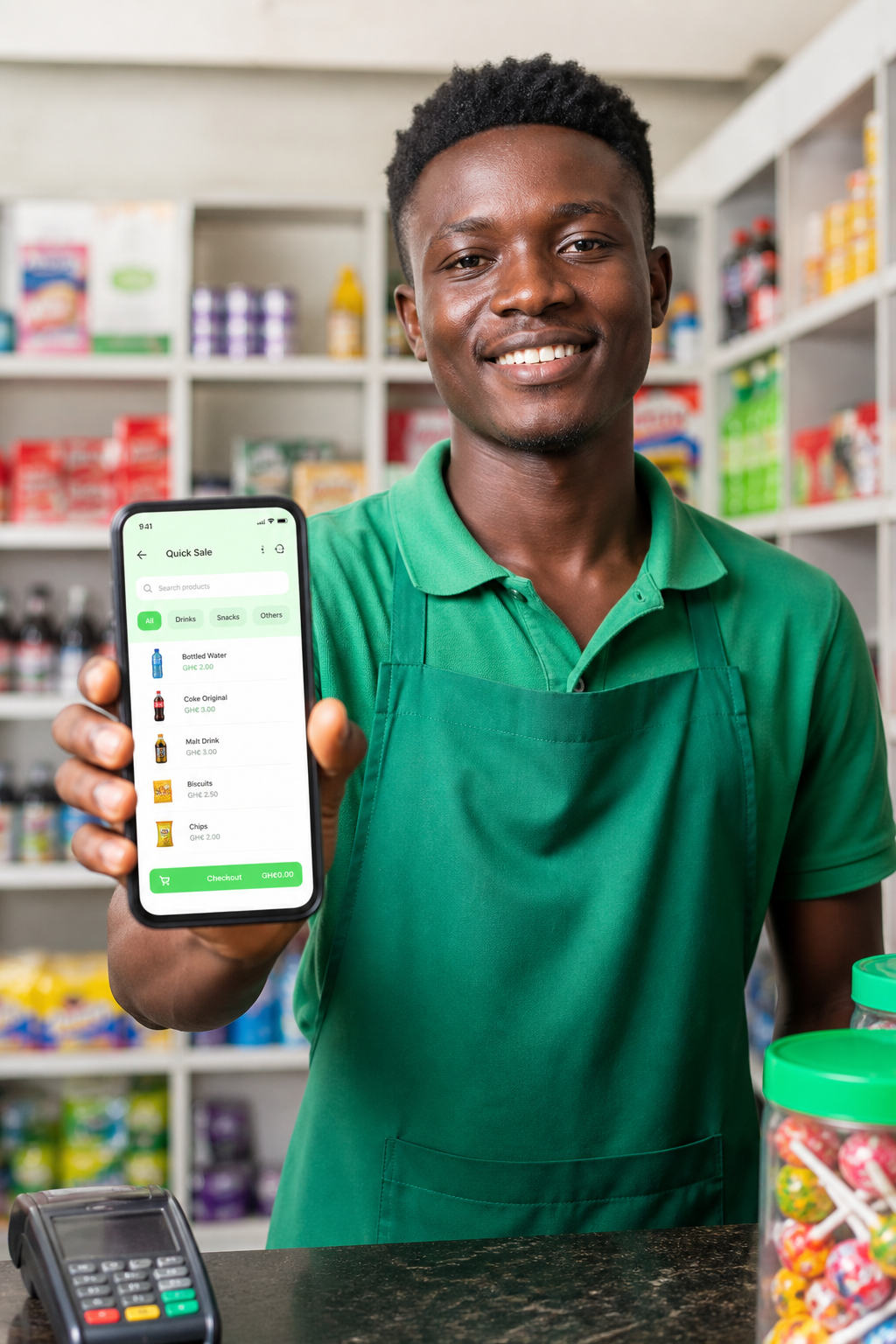
Web & mobile tills with cash, MoMo, and change math.
qellon
The cloud POS for African shops — sales, stock, staff, invoices, and day-end accounts in one till. Cash & mobile money. Web + Android + iOS.
Web POS
MoMo ready
Roles & access

Every till. One cloud.
Ring sales, watch stock move, and close the day without guesswork.
From signup to first sale
Qellon walks you from creating an account to ringing real sales, with stock, staff, and invoices ready when you are.
Register with your business name, currency, and tax preset. Start a free trial — no hardware required on day one.
Sign up freeAdd branches, invite cashiers with PINs, connect your printer & barcode reader, and choose stock rules that match your counter.
See setup featuresCreate products or import from Excel. Categories, prices, and low-stock alerts are ready before the morning rush.
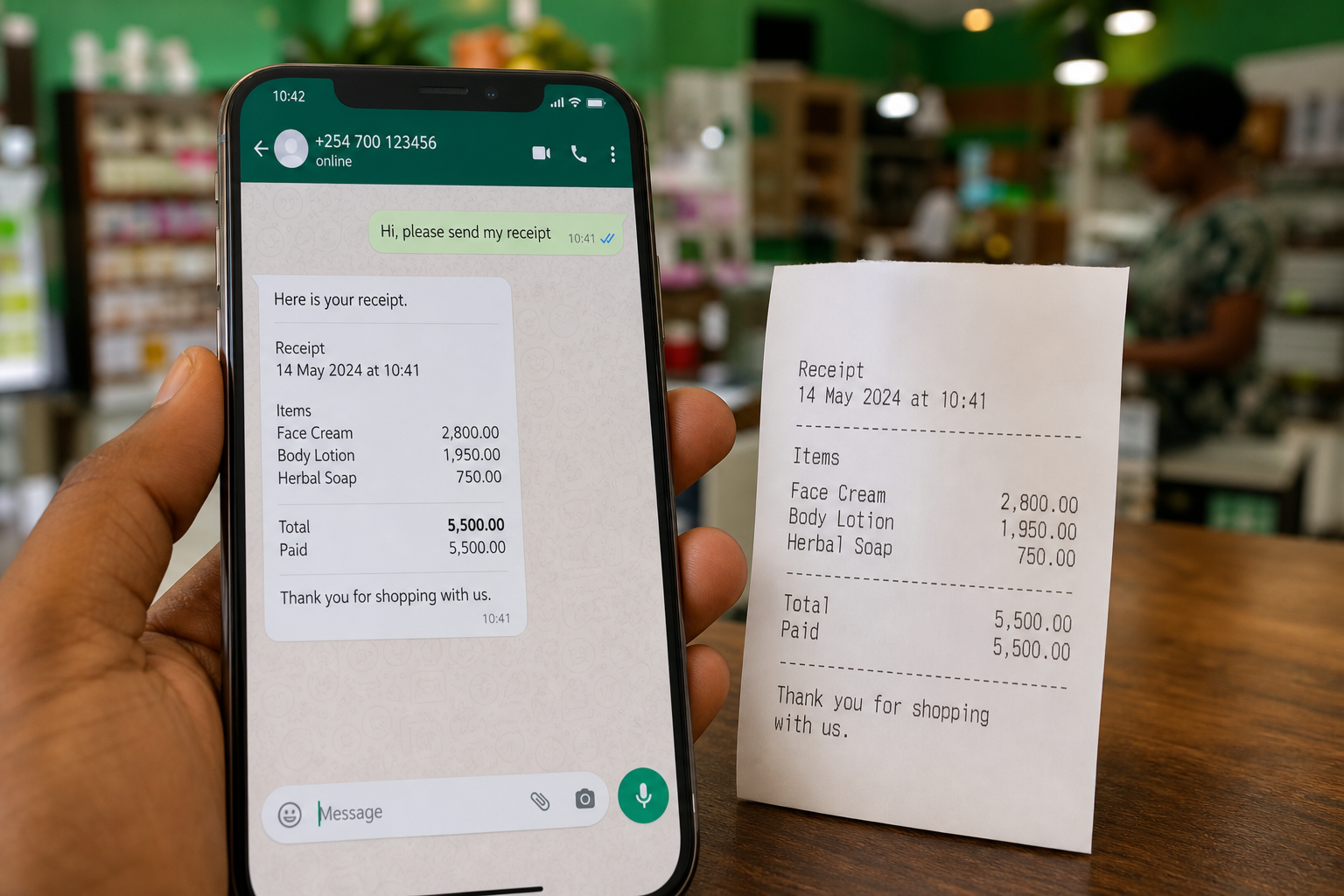
Open the till, scan, take cash or MoMo, print or share the receipt. Offline mobile sales sync when you’re back online.
Mobile appsSend quotes and invoices by email or WhatsApp. Check live analytics, tax collected, and what still needs restocking.
Try it in demoAt a glance
Home shows the highlights. The features page goes deep — tax, hardware, permissions, and mobile.
Web & mobile tills with cash, MoMo, and change math.
Auto deduct, alerts, Excel import, branch-aware catalog.
Quotes → invoices → PDF, email, or WhatsApp share.
Revenue, tax, COGS, and exports your accountant can use.
30-day
Free trial
Create a shop and sell for real before you pay.
1 login
Shared demo
Explore the full system with no signup required.
Africa-wide
Retail DNA
Built for cash + MoMo, busy counters, and multi-branch owners.
FAQ
Straight answers before you open the till — demo, tax, mobile, and invoices.
Use the shared live demo — one login for everyone — or create your own shop and start a free trial. No card required to explore the till, stock, invoices, and reports.
Email: [email protected] · Password: Demo@2026 · Till PIN: 1234. You can also tap “Try the live demo” to jump straight in. Demo data resets every 24 hours — don’t store real customer info.
Yes. The Android and iOS apps can sell and add products without signal, then sync when you’re back online. The web dashboard needs an internet connection.
Yes. Checkout supports cash and mobile money references (MoMo and similar rails). Change is calculated for cash tenders so cashiers stay fast during a rush.
Tenants can use local tax presets. Ghana shops can run Standard statutory levies or VAT Flat Rate, with a clear line-level breakdown on receipts and invoices. Tax-exempt items are supported for staples.
Yes. Create quotes and invoices, then share a PDF link by email or open WhatsApp with a pre-filled message. Thermal print still works when you have a printer.
Need more detail? View all FAQs
Shared live demo
Everyone uses the same showcase store — POS, inventory, invoices, staff, and reports. Jump in with one click, or sign in manually.
Demo data resets every 24 hours — please don’t store real customer info.
Try the shared demo, or create your own shop and keep the books clean from day one.